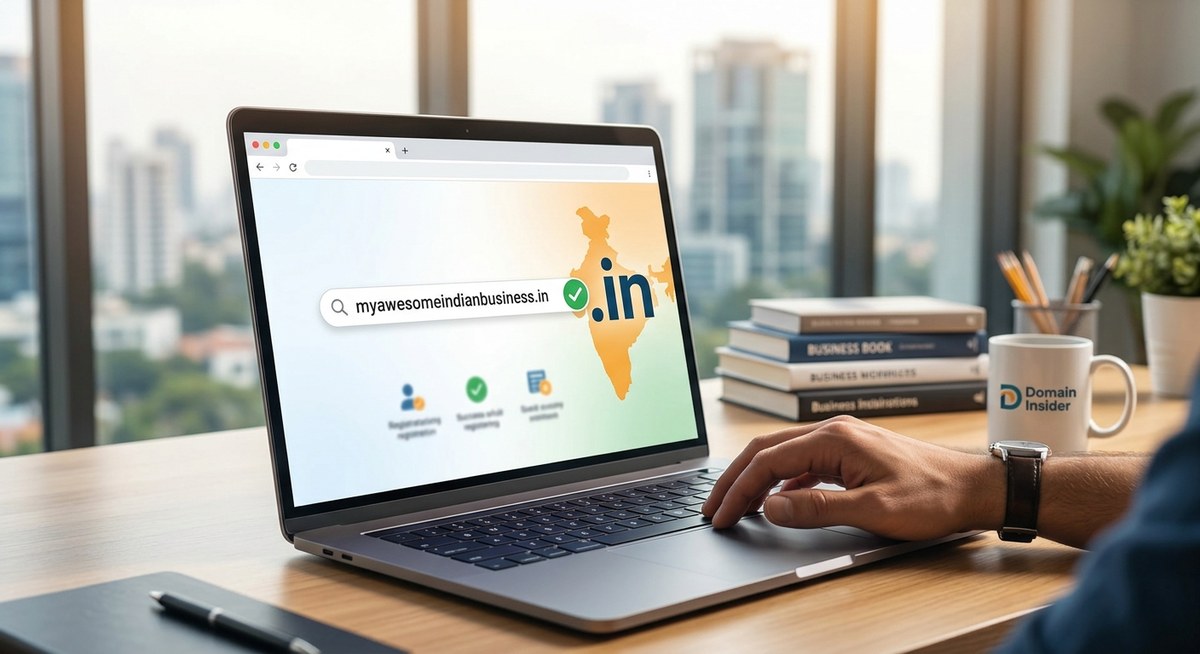
Your business deserves a digital address that feels like home. For Indian entrepreneurs, that address is often a .in domain. It tells your customers, right in the URL, that you are local, trustworthy, and proud of your roots. In 2026, with millions of businesses competing for attention online, getting the right .in domain is not just a technical step. It is a branding decision that affects how people remember you and find you on Google.
Buying a .in domain for your Indian business in 2026 is simpler than you think. Start by brainstorming a short, brandable name that avoids hyphens and numbers. Compare pricing across registrars like GoDaddy, BigRock, and Namecheap. Always enable privacy protection and register for at least two years to signal commitment. Avoid common mistakes like choosing a hard to spell name or ignoring renewal costs. This guide walks you through every step so you can secure a domain that builds trust and ranks well.
Why a .in Domain Works for Indian Businesses in 2026
The Indian internet audience is growing faster than ever. By 2026, over 900 million people are online in India. Many of them trust a .in website more than a .com when they are looking for local services. A restaurant in Pune, a boutique in Jaipur, or a consultancy in Chennai all benefit from the instant recognition that a .in domain provides.
Search engines also notice this. Google often shows local results higher when the domain matches the country. If you run a business that serves customers in India, a .in domain gives you a natural SEO advantage. It is not a magic trick, but it is a real signal that helps you compete with bigger brands.
Another reason to choose .in is availability. The .com space is crowded. Most short, meaningful words are already taken or priced very high. With .in, you have a better chance of getting the exact name you want. That alone can save you thousands of rupees and hours of frustration.
How to Check If Your Desired Domain Is Available
Before you buy anything, you need to see if the name is free. This step is simple but many people rush it. They fall in love with a name without checking alternatives.
Here is a practical process to follow:
- Write down three to five name ideas. Think about your brand, your products, or a keyword that describes your service.
- Visit a domain registrar like BigRock or GoDaddy India. Use their search bar to check each name with the .in extension.
- If your first choice is taken, do not panic. Try adding a word like “shop”, “hub”, “online”, or your city name. For example, if “chaipoint.in” is taken, try “chaipointdelhi.in” or “chaipointshop.in”.
- Check the same name with other extensions like .co.in or .org.in. Sometimes the .in version is taken but .co.in is free.
- Use a bulk search tool if you have many ideas. This saves time.
Once you find an available name, move quickly. Good domains do not stay free for long.
Comparing Registrars: Where to Buy Your .in Domain
Not all registrars are the same. Some offer low introductory prices but charge high renewal fees. Others include free privacy protection. A few provide extra services like email hosting or website builders.
The table below compares popular registrars for Indian buyers in 2026:
| Registrar | First Year Price (approx) | Renewal Price (approx) | Privacy Protection | Notes |
|---|---|---|---|---|
| GoDaddy India | Rs 499 | Rs 999 | Free for first year | Easy to use, good support |
| BigRock | Rs 399 | Rs 799 | Free | Popular in India, local payment options |
| Namecheap | Rs 550 | Rs 850 | Free | Strong security features |
| Hostinger | Rs 349 | Rs 749 | Free | Budget friendly, bundled with hosting |
| Google Domains (via Squarespace) | Rs 700 | Rs 900 | Free | Clean interface, reliable |
Do not pick a registrar based only on the first year price. Check the renewal cost. Some companies lure you in with a low price and then charge double the next year. Also read the fine print about domain transfer fees. You want the freedom to move your domain later if needed.
Step by Step Process to Register Your Domain
Once you have chosen a name and a registrar, the actual registration takes only a few minutes. Here is what you need to do:
- Create an account on your chosen registrar website. Use your real email and phone number. This is important for verification.
- Add the domain to your cart. Select the .in extension.
- Choose the registration period. Registering for two or three years is smart. It saves you from forgetting renewal and losing the domain.
- Add privacy protection if it is not already included. This hides your personal contact details from the public WHOIS database.
- Review the total cost. Look for any hidden fees like GST or ICANN charges.
- Complete payment using UPI, credit card, or net banking.
- Verify your email address. The registrar will send a confirmation link. Click it to activate your domain.
After these steps, your domain is live. You can point it to your website or keep it parked until you are ready.
Common Mistakes That Cost Indian Business Owners Money
Many first time buyers make errors that are easy to avoid. Let me share the most frequent ones so you do not repeat them.
- Choosing a name that is hard to spell. If you have to explain it over the phone, customers will struggle too. Avoid unusual spellings and silent letters.
- Using hyphens and numbers. “Best-chai-4u.in” looks unprofessional and is hard to remember. Stick to letters only.
- Ignoring renewal pricing. You might pay Rs 300 in the first year, but if renewal is Rs 1500, that hurts your budget later.
- Forgetting to enable auto renew. Domains expire. If you miss the renewal date, someone else can grab your name.
- Buying a domain without checking social media handles. If your domain is “brightideas.in” but the Instagram handle is taken, your brand will be inconsistent.
Expert advice: Always search for your domain name on social platforms before you buy. A consistent brand across web and social media builds trust faster.
What to Do If Your Preferred Domain Is Taken
It happens often. You think of a perfect name, and it is already registered. Do not lose hope. You have several options.
First, check if the domain is parked or has a website. If it is parked, the owner might be willing to sell. You can use a service like GoDaddy Auctions or contact the owner through WHOIS lookup. Be polite and make a reasonable offer.
Second, try a different extension. .co.in is a solid alternative. Many Indian businesses use it. Other options like .org.in work well for non profits or community projects.
Third, add a descriptive word. Instead of “sarees.in”, try “sareesonline.in” or “sareesjaipur.in”. These are often available and still very effective for SEO.
If you are interested in more creative ways to handle this, read our guide on how to check if a domain name is available and what to do if it’s taken.
Understanding Pricing and Hidden Costs
When you buy a .in domain, the price you see is not always the final price. Here are costs you should expect:
- Base registration fee: Rs 300 to Rs 700 per year depending on the registrar.
- GST: 18% added on top of the base fee in India.
- Privacy protection: Usually free now, but some registrars charge extra.
- ICANN fee: A small fee (around Rs 20) that some registrars pass to you.
- Add on services: Email hosting, SSL certificates, and website builders are optional but often upsold.
To avoid surprises, always expand the pricing summary before you pay. If something looks unclear, contact customer support.
Why You Should Register for Multiple Years
Registering a domain for one year is fine, but registering for two or three years has benefits.
First, it protects you from forgetting renewal. Domain expiration can be a nightmare. If your domain expires, your website goes down, and emails stop working. Recovering it costs extra and takes time.
Second, it signals stability to search engines. Google sees a multi year registration as a sign that the website is serious. This can give a small boost to your rankings.
Third, it locks in the current price. Domain prices often rise. By paying for three years now, you avoid future increases.
If you want to understand the trade offs better, check out our article on how long should you register a domain name for.
Protecting Your Domain After Purchase
Buying the domain is just the beginning. You also need to keep it safe. Here are a few steps every Indian business owner should take:
- Enable two factor authentication on your registrar account.
- Use a strong, unique password.
- Set auto renew on your domain.
- Lock the domain to prevent unauthorized transfers. Most registrars call this “domain lock” or “transfer lock”.
- Keep your contact information updated. If your email changes, update it in the registrar panel.
These simple steps can save you from losing your domain to hackers or expiration.
A Quick Checklist for First Time Buyers
Here is a bulleted list you can refer to when you are ready to buy:
- Brainstorm 5 name ideas.
- Check availability on a registrar.
- Compare prices across two or three registrars.
- Choose a name without hyphens or numbers.
- Enable privacy protection.
- Register for at least 2 years.
- Set up auto renew.
- Verify your email after purchase.
- Lock the domain.
- Search social media for name consistency.
Your Domain Is Your Digital Storefront
Think of your .in domain as the address of your shop in a busy Indian market. A good address makes it easy for customers to find you. A confusing address sends them to your competitor. In 2026, the difference between a thriving online presence and a forgotten one often comes down to the domain name you choose.
Do not overthink this. Start with a name that feels right. Check if it is available. Compare registrars. Buy it today. You can always build the website later. What matters is that you secure your spot before someone else does.
If you are still unsure about which extension suits your business, read our comparison on should you buy a .co.in or .in domain for your Indian business. It will help you make a confident decision.
Now go ahead and find that perfect .in domain. Your customers are waiting.
