Buying a domain name feels simple until you realize one wrong move can cost you thousands, lock you in legal battles, or tank your brand before it even launches.
Most people think registering a domain is just typing a name and clicking “buy.” But seasoned entrepreneurs know better. Hidden traps lurk behind seemingly perfect domain names, waiting to drain your budget or destroy your reputation.
This guide reveals the exact warning signs that separate safe domain purchases from disasters waiting to happen.
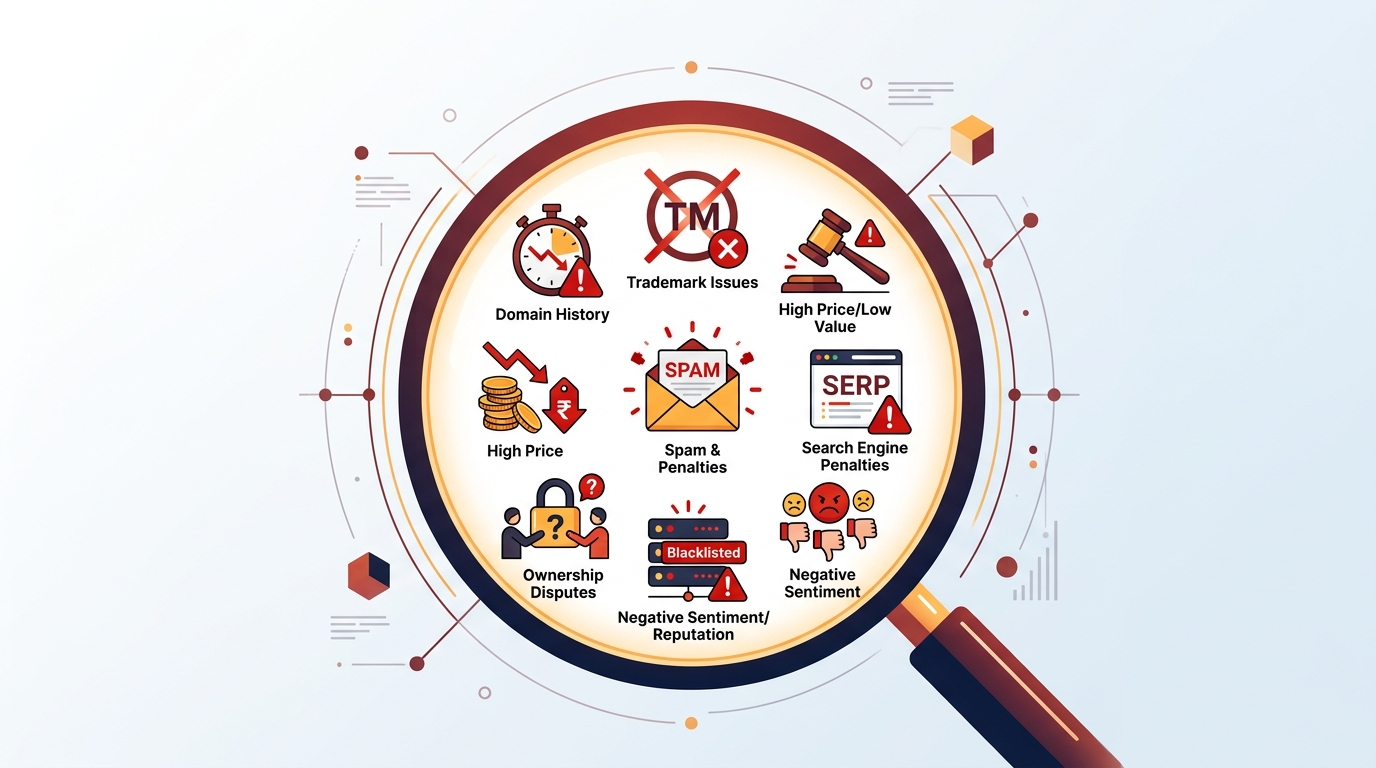
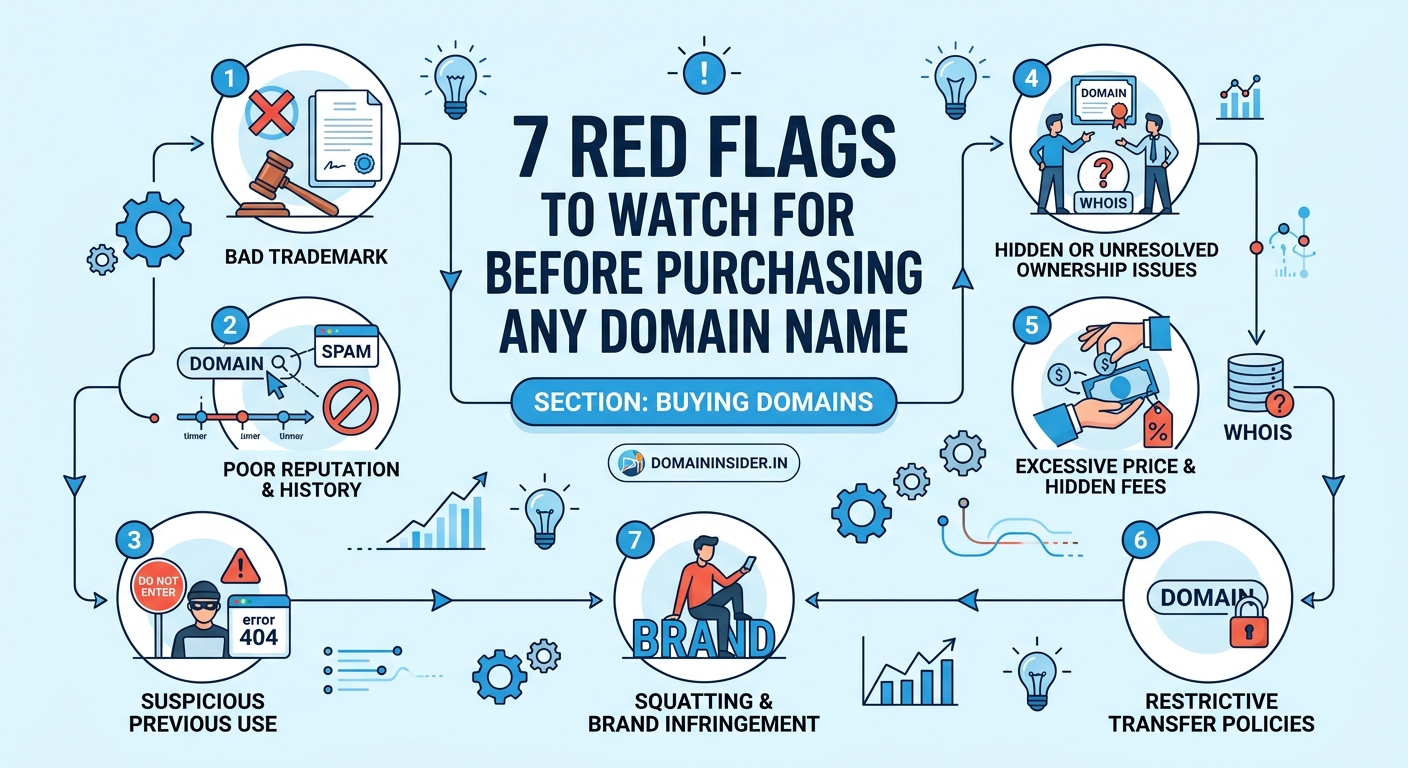
Red flags when buying a domain name include trademark conflicts, suspicious pricing patterns, questionable ownership history, blacklisted status, and unclear transfer policies. Checking these warning signs before purchase prevents legal trouble, financial loss, and reputation damage. Smart buyers verify domain history, ownership records, and technical health using free tools before committing to any domain name purchase.
Trademark troubles that can shut down your business
Nothing kills a startup faster than a cease-and-desist letter from a trademark lawyer.
You launch your website. Sales start rolling in. Then a legal notice arrives demanding you hand over the domain or face a lawsuit.
Trademark infringement happens more often than you think. Big brands protect their names aggressively. Even slight variations can trigger legal action.
Before buying any domain, search the Indian Trademark Registry and USPTO database if you plan international business. Look for exact matches and similar names in your industry.
A domain like “NikeShoesIndia.com” screams trouble. But even “QuickNike.in” could land you in hot water if Nike’s lawyers decide you’re riding their brand recognition.
“I spent ₹85,000 on branding and website development, only to lose my domain to a trademark claim six months later. The previous owner knew it was risky but sold it anyway.” – Rajesh K., Mumbai entrepreneur
Check these trademark red flags:
- Domain contains a famous brand name or close variation
- Previous owner faced trademark disputes (check WHOIS history)
- Domain was registered right after a brand became popular
- Seller refuses to provide trademark clearance documentation
- Domain targets the same industry as an established trademark
Understanding how domain names work helps you grasp why trademark conflicts matter so much for your online presence.
Suspicious pricing that signals hidden problems
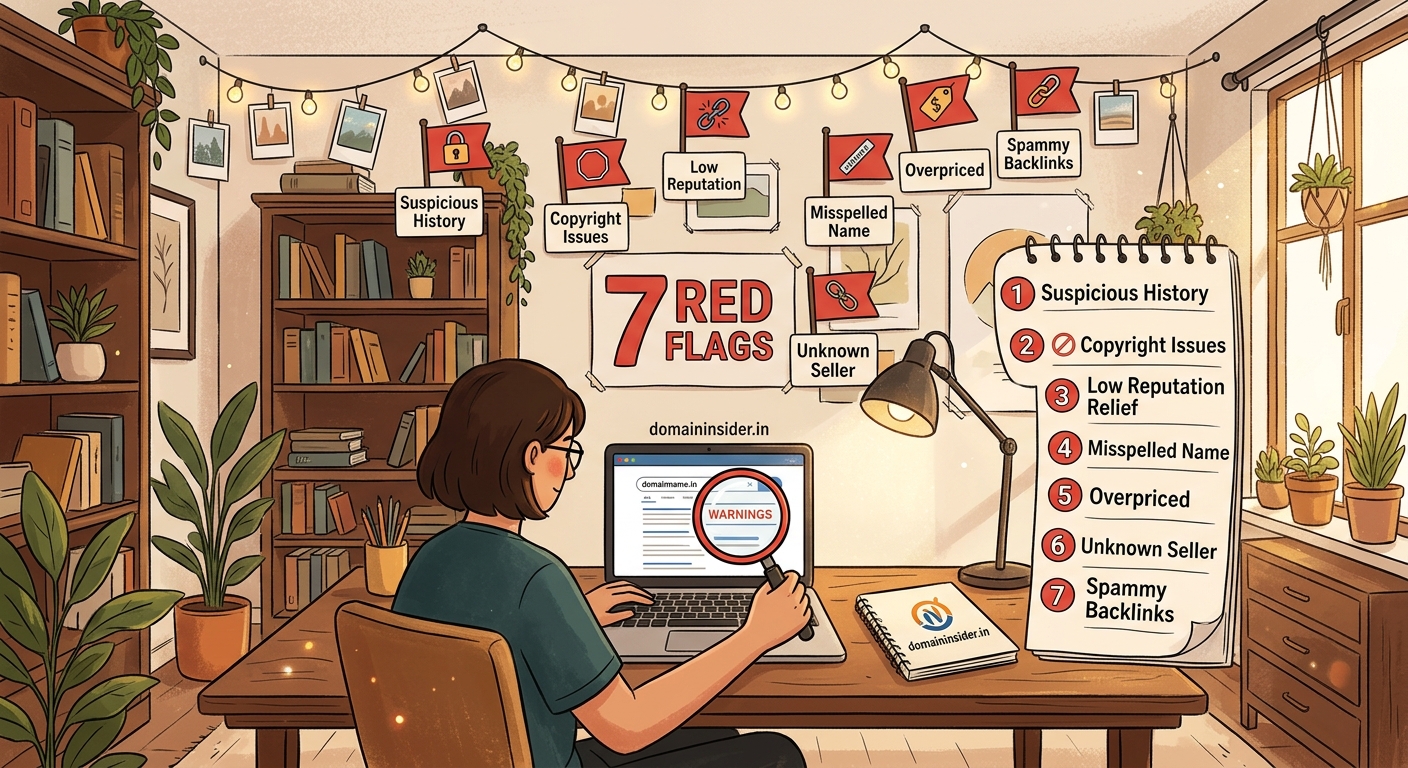
A premium domain listed at ₹5,000 when similar names sell for ₹5 lakhs? Something’s wrong.
Scammers and shady sellers use attractive pricing to dump problematic domains. They know the domain has issues but hope you won’t discover them until after payment.
Here’s what abnormal pricing looks like:
| Pricing Pattern | What It Usually Means | Your Action |
|---|---|---|
| Far below market value | Legal issues, blacklist status, or scam | Investigate thoroughly before buying |
| Sudden price drops | Seller knows about incoming problems | Request full disclosure of domain history |
| “Limited time offer” pressure | Rushing you to skip due diligence | Take your time, ignore artificial urgency |
| Multiple price changes | Testing what buyers will pay, possible desperation | Check why seller is eager to offload |
| Auction with no reserve | Domain has serious flaws | Run comprehensive background checks |
Tools like domain value checkers help you understand fair market pricing. If a domain’s listed price differs drastically from estimated value, dig deeper.
Legitimate sellers price domains based on:
- Length and memorability
- Extension popularity (.com, .in, .co.in)
- Search volume for keywords
- Previous sales data
- Development potential
When prices don’t match these factors, you’re looking at a red flag.
Ownership history that reveals past disasters
Every domain carries its history like a criminal record.
Some domains were used for spam. Others hosted malware. Many participated in link schemes that got them banned from search engines.
This history doesn’t disappear when ownership changes. Google and other search engines remember. Your brand inherits these problems the moment you buy the domain.
Follow these steps to investigate ownership history:
- Check WHOIS records using WHOIS lookup tools to see how many times ownership changed
- Review the Wayback Machine at archive.org to see what content the site previously hosted
- Search the domain name in Google to find any negative associations or news articles
- Look for patterns of frequent ownership changes (red flag for problematic domains)
- Verify the current owner matches the seller’s identity to avoid fraud
Domains that changed hands five times in two years usually have problems. Legitimate domain investors hold valuable names for years, not months.
Check what kind of content previously appeared on the domain:
- Adult content
- Gambling sites
- Pharmaceutical spam
- Get-rich schemes
- Hate speech or controversial material
Even if that content is gone, search engines and security software may still flag the domain. Your legitimate business gets caught in filters meant to block the previous owner’s activities.
Expired domains require extra scrutiny because their history often contains surprises that current marketplaces don’t disclose.
Blacklist status that kills your email and traffic
Imagine sending important emails to customers and having 80% land in spam folders.
That’s what happens when you buy a blacklisted domain.
Email providers, security software, and even web browsers maintain blacklists of domains associated with spam, malware, or phishing. Once a domain lands on these lists, getting removed takes months of effort.
Check these blacklist databases before buying:
- MXToolbox Blacklist Check for email reputation
- Google Safe Browsing for malware history
- Spamhaus for spam listings
- SURBL for URL reputation
- VirusTotal for security threat detection
A single blacklist entry can destroy your business communications. Customers never receive order confirmations. Password reset emails disappear. Marketing campaigns fail completely.
Blacklist removal isn’t simple. Each service has different requirements:
- Proving you’re not the original spammer
- Demonstrating legitimate business operations
- Waiting through review periods
- Rebuilding sender reputation from zero
Some blacklists never remove domains. Your only option becomes abandoning the domain entirely and starting over.
Even if a domain isn’t currently blacklisted, check its spam score. High scores indicate borderline status that could tip into blacklisting with normal business email volume.
Transfer restrictions that trap your investment
You find the perfect domain. You pay. Then you discover you can’t actually control it.
Transfer restrictions lock domains with the current registrar or owner. You paid for something you don’t truly own.
Common transfer traps include:
- Domain locked by registrar due to recent ownership change (60-day ICANN rule)
- Seller doesn’t provide authorization code needed for transfer
- Domain registered through privacy service that complicates ownership verification
- Outstanding fees or disputes with current registrar
- Domain subject to legal hold or court order
Always verify transfer eligibility before payment. Ask the seller:
- When was the domain last transferred? (Must be more than 60 days ago)
- Can you provide the EPP/authorization code immediately after payment?
- Are there any registrar locks, disputes, or holds on the domain?
- Which registrar currently manages the domain?
Some sellers operate scams where they:
- Collect your payment
- Claim they’ll transfer the domain “soon”
- Make excuses about technical difficulties
- Eventually disappear with your money
Legitimate domain sales include immediate transfer initiation. The seller unlocks the domain, provides authorization codes, and confirms transfer start within 24 hours of payment.
Use escrow services for valuable domains. The escrow holds payment until you confirm successful transfer and full control. Services like Escrow.com protect both parties.
Negotiating domain prices becomes pointless if you can’t actually complete the transfer after reaching an agreement.
Extension confusion that limits your growth
Not all domain extensions carry equal weight.
You buy “YourBusiness.xyz” because it’s cheap and available. Then you discover customers don’t trust unfamiliar extensions. They type “YourBusiness.com” instead and land on a competitor’s site.
Extension choice affects:
- Customer trust and credibility
- Search engine optimization
- Email deliverability
- Marketing effectiveness
- Resale value
Popular extensions like .com, .in, and .co.in work for most businesses. Newer extensions face trust issues.
Red flags with domain extensions:
- Extension associated with spam (certain new gTLDs have terrible reputations)
- Extension doesn’t match your target market (.in domains work best for Indian businesses)
- Extension costs significantly more to renew than to register
- Extension has unclear ownership or governance
- Extension might be discontinued (happened with some country codes)
Research renewal costs before buying. Some registrars offer cheap first-year pricing on extensions like .online or .store, then charge ₹3,000+ annually for renewals.
Country-code extensions have specific rules. A .us domain requires US presence. A .eu needs European residency. Violating these rules can result in domain seizure.
For Indian businesses, choosing between .co.in and .in extensions impacts both credibility and search visibility.
Age and authority metrics that expose weak foundations
A domain’s age tells you nothing about its value.
A 10-year-old domain might seem valuable. But if it sat parked for nine years with no real content, it has zero authority.
Check these metrics to evaluate real domain strength:
- Domain Authority (DA) score using Moz’s tools
- Number and quality of backlinks
- Referring domains count
- Traffic history (if available through seller)
- Content indexing in search engines
Sellers often highlight domain age while hiding poor metrics. They know buyers associate age with value.
A one-year-old domain with 50 quality backlinks beats a 15-year-old domain with three spam links.
Warning signs of weak domain authority:
- Old domain with suspiciously few backlinks
- Backlinks primarily from spam sites or link farms
- No archived content despite years of registration
- Sudden backlink spikes followed by drops (link scheme participation)
- Traffic claims without verifiable analytics
Request proof of traffic and engagement. Google Analytics screenshots can be faked, but trends over time are harder to manufacture.
Some domains were registered years ago purely for speculation. They never hosted real websites. They have age but no authority, backlinks, or search presence.
Building authority from scratch might cost less than buying an old domain with no real foundation.
Documentation gaps that enable fraud
Legitimate domain sellers provide complete documentation. Scammers avoid paperwork.
Before finalizing any domain purchase, demand:
- Signed sales agreement specifying exact terms
- Proof of current ownership (WHOIS matching seller identity)
- Transfer authorization codes
- Receipt of payment with clear refund terms
- Communication trail documenting all promises
Verbal agreements mean nothing in domain disputes. Everything must be written.
Red flags in documentation:
- Seller refuses to sign formal agreement
- WHOIS privacy prevents ownership verification
- Seller uses free email instead of business email
- No clear refund or dispute resolution terms
- Pressure to complete transaction outside official platforms
Fraudsters create urgency to bypass documentation. They claim “another buyer is interested” or “this price expires tonight.”
Real domain investors understand transactions take time. They provide documentation willingly because it protects everyone.
For high-value purchases, consider:
- Legal review of sales agreement
- Escrow service to hold funds
- Video call to verify seller identity
- Background check on seller’s domain sales history
The ₹5,000 you spend on legal review can save you from losing ₹5 lakhs to fraud.
Building a domain portfolio requires consistent documentation practices that protect your investments and enable smooth future sales.
Technical health issues that cost money later
A domain might look perfect on the surface while hiding technical problems that cost thousands to fix.
DNS configuration errors, hosting complications, and email setup issues don’t always transfer with domain ownership. You inherit a mess that takes weeks to untangle.
Check these technical factors:
- Current DNS records and nameserver configuration
- SSL certificate status and history
- Email service setup and deliverability
- Subdomain usage and configuration
- API integrations or dependencies
Some domains come with technical debt:
- Hardcoded references to old hosting
- Email addresses tied to previous owner’s systems
- SSL certificates that can’t transfer
- Complex redirects that break when moved
- Database connections you can’t access
Ask the seller for complete technical documentation:
- Full DNS zone file
- List of all subdomains and their purposes
- Email forwarding rules
- Any third-party services connected to the domain
- Hosting account access (if included in sale)
Moving a technically complex domain costs more than buying a clean one. Factor remediation costs into your purchase decision.
Test the domain before completing purchase:
- Load the website from different locations
- Send test emails to and from domain addresses
- Check page load speed
- Verify mobile responsiveness
- Test all subdomains and redirects
Technical issues often indicate larger problems. A seller who can’t provide clean technical documentation might not actually control the domain properly.
Your domain purchase checklist for safety
Smart domain buyers follow a systematic verification process.
Print this checklist and complete every item before sending payment:
- [ ] Searched trademark databases for conflicts
- [ ] Verified pricing matches market value estimates
- [ ] Reviewed ownership history through WHOIS and archives
- [ ] Checked all major blacklists for email and security issues
- [ ] Confirmed transfer eligibility and received authorization codes
- [ ] Researched extension reputation and renewal costs
- [ ] Analyzed domain authority and backlink profile
- [ ] Obtained signed sales agreement with clear terms
- [ ] Verified technical health and DNS configuration
- [ ] Set up escrow for high-value transactions
Each checkbox represents protection against specific risks. Skipping steps invites problems.
The time you invest in verification pays dividends. One hour of research can prevent months of legal battles or financial loss.
Remember that domain purchases are permanent. Unlike most online transactions, you can’t simply return a domain if it doesn’t work out.
Sellers rarely accept returns. Marketplaces offer limited buyer protection. Your due diligence is your only real protection.
Successful domain flipping requires the same careful verification when buying domains for resale.
Making confident domain decisions
Red flags when buying a domain name aren’t obstacles. They’re protection mechanisms that save you from expensive mistakes.
Every warning sign you learn to recognize is money you keep in your pocket and problems you avoid entirely.
The domain market rewards careful buyers. Those who rush in without verification subsidize the profits of scammers and problem domain dumpers.
You now know exactly what to check, which tools to use, and which questions to ask. The next domain you buy will be clean, transferable, and ready to build your business.
Start with one domain. Apply this checklist completely. Experience the confidence that comes from knowing you made a smart, protected purchase.
Your online presence deserves a foundation you can trust.
